Split-screen iPhone game

Keep the clip rolling. Keep the run alive.

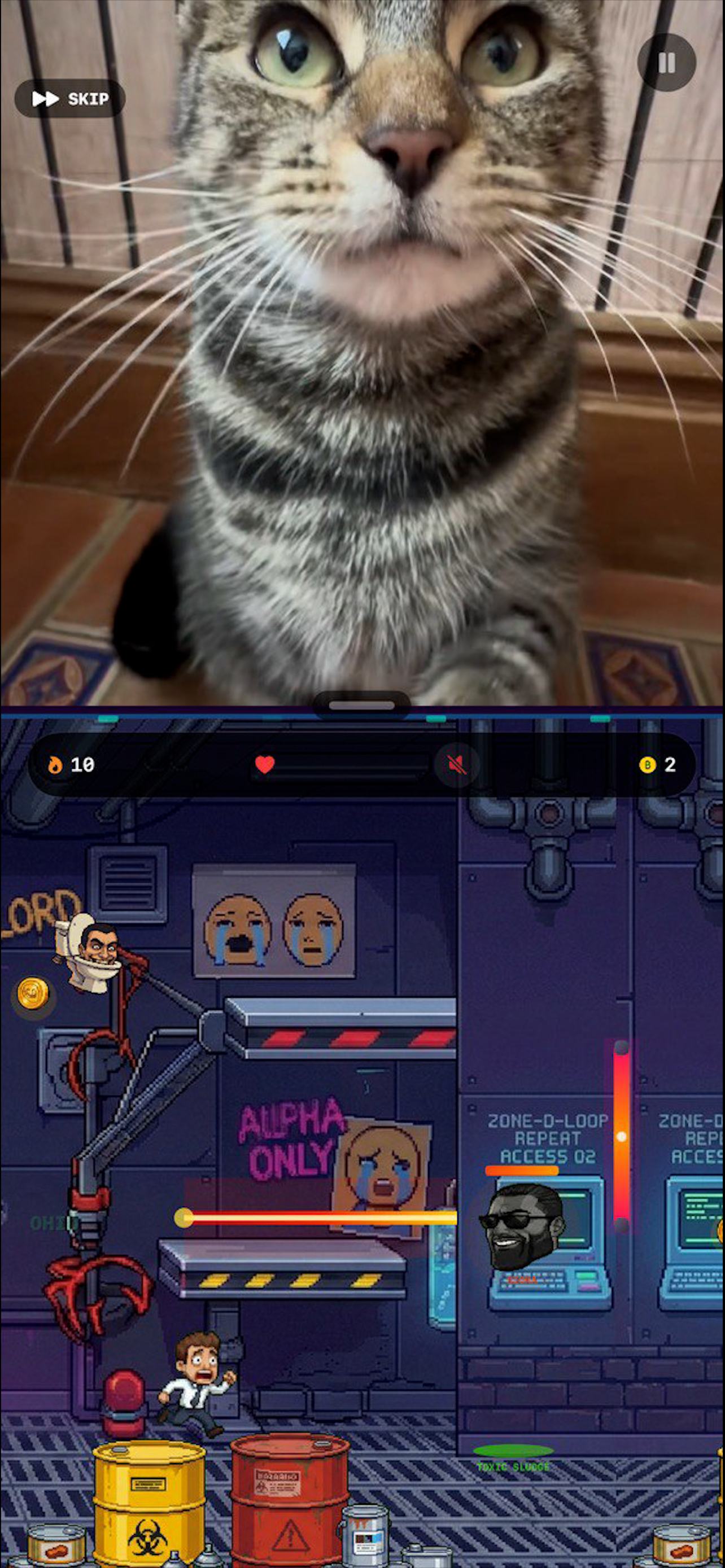
Brainrot Simulator pins a live feed to the top of the screen and turns the bottom half into a moving target. You choose the feed, drop into a run, and try not to lose both at once.

It plays like overstimulation on purpose: part runner, part mini-game rotation, part attention tax.

The download button goes live here as soon as the App Store page is public.

01 Pick the feed

Start with Brainrot, Doomscroll, or your own video.

02 Lock the mode

Run Classic or jump straight into a single-mode challenge.

03 Hold the split

Keep the clip live while the game keeps shifting underneath it.
Session structure

One setup screen, then immediate pressure.

The game is easy to explain when the layout is honest: the feed stays live, the lower half keeps changing demands, and your focus gets taxed from both directions.

Core loop

Watch something. Play something else. Try not to drop either.

  • Choose Brainrot, Doomscroll, or your own video before the run starts.
  • Ride a loop of movement checks, swaps, reaction spikes, and distraction events.
  • Reset fast, run it back, and chase a better score without account setup.
Feed Always visible
Game layer Always escalating
Input Fast to restart, fast to learn
Gameplay snapshots

What the split looks like once the run starts.

These are actual in-game screens, kept in their original aspect ratios so the web presentation matches the app.

Brainrot Simulator gameplay with a video feed above an obstacle-runner section

Runner pressure under a live clip

The top half keeps playing. The bottom half keeps asking for movement and timing.

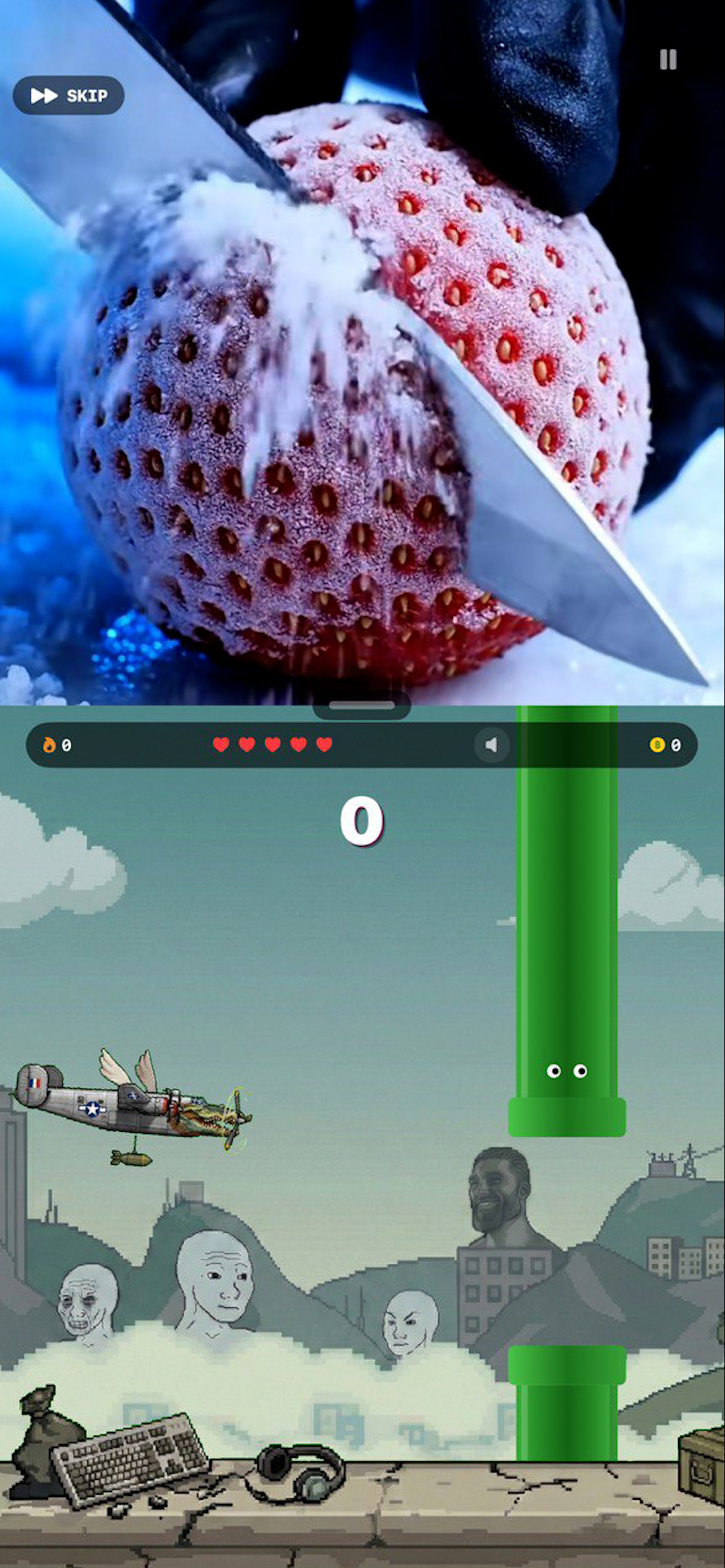
Brainrot Simulator gameplay with a slicing clip above a Flappy-style game section

A different mode with the same attention split

The feed changes, the game changes, but the core problem stays the same.

Feed modes

Three ways to set the tone before the run begins.

The feed is not decoration. It changes the feel of the whole run before you even touch the lower half.

Mode 01

Brainrot

The default short-form feed: fast, loud, and built to keep your eyes moving.

Mode 02

Doomscroll

A wider mix of internet bait: gameplay clips, animals, satisfying edits, and whatever else keeps the scroll alive.

Mode 03

Watch Your Own Video

Load your own mobile video page, lock it in, and let the game underneath try to ruin your focus.

Mode lineup

The current mode lineup.

Classic gives you the full rotation. The other four let you lock into one flavor of chaos.

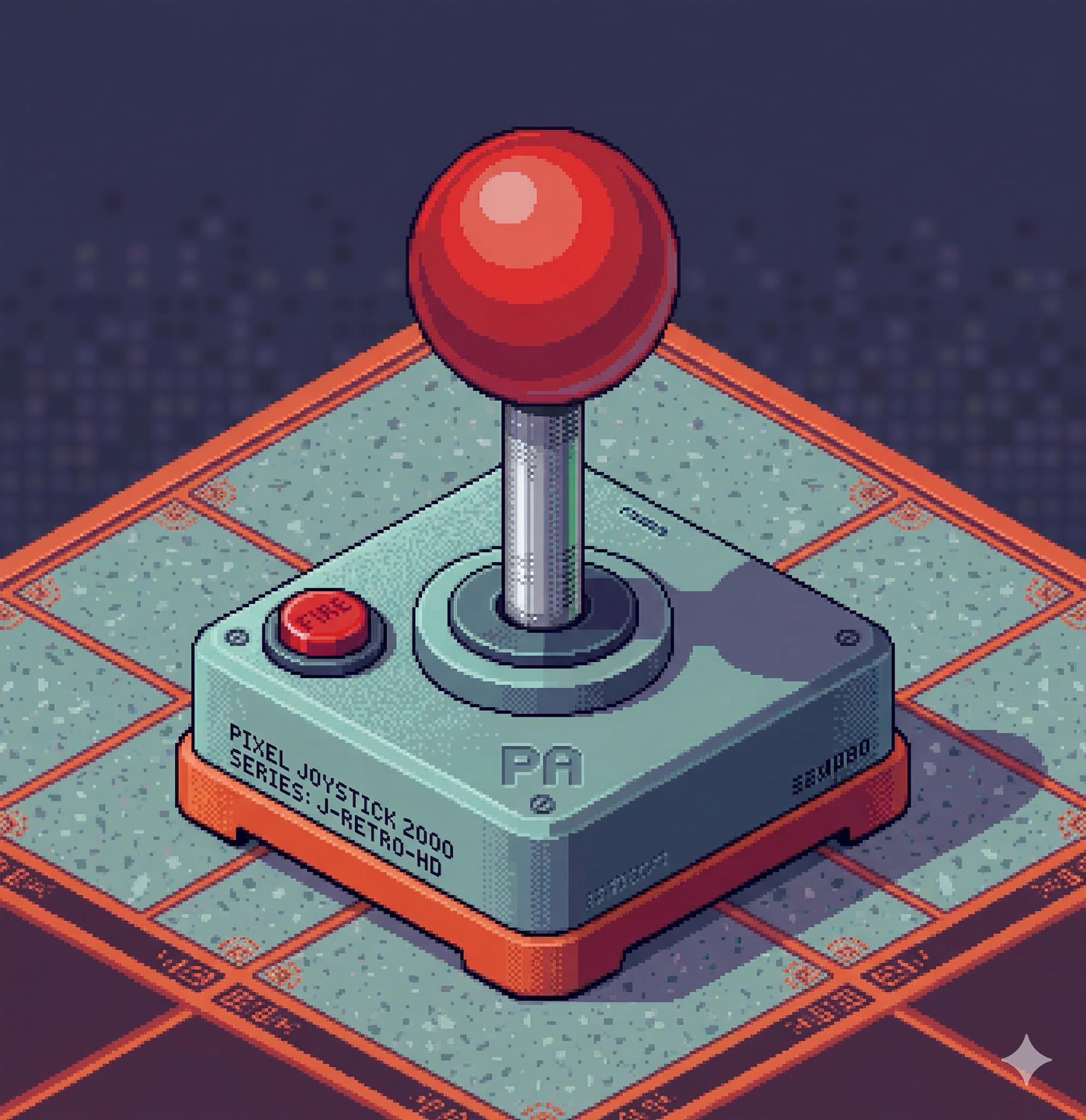
Classic mode art
Core mode

Classic

The full rotation: feed pressure, mode swaps, and the whole split-screen loop in one run.

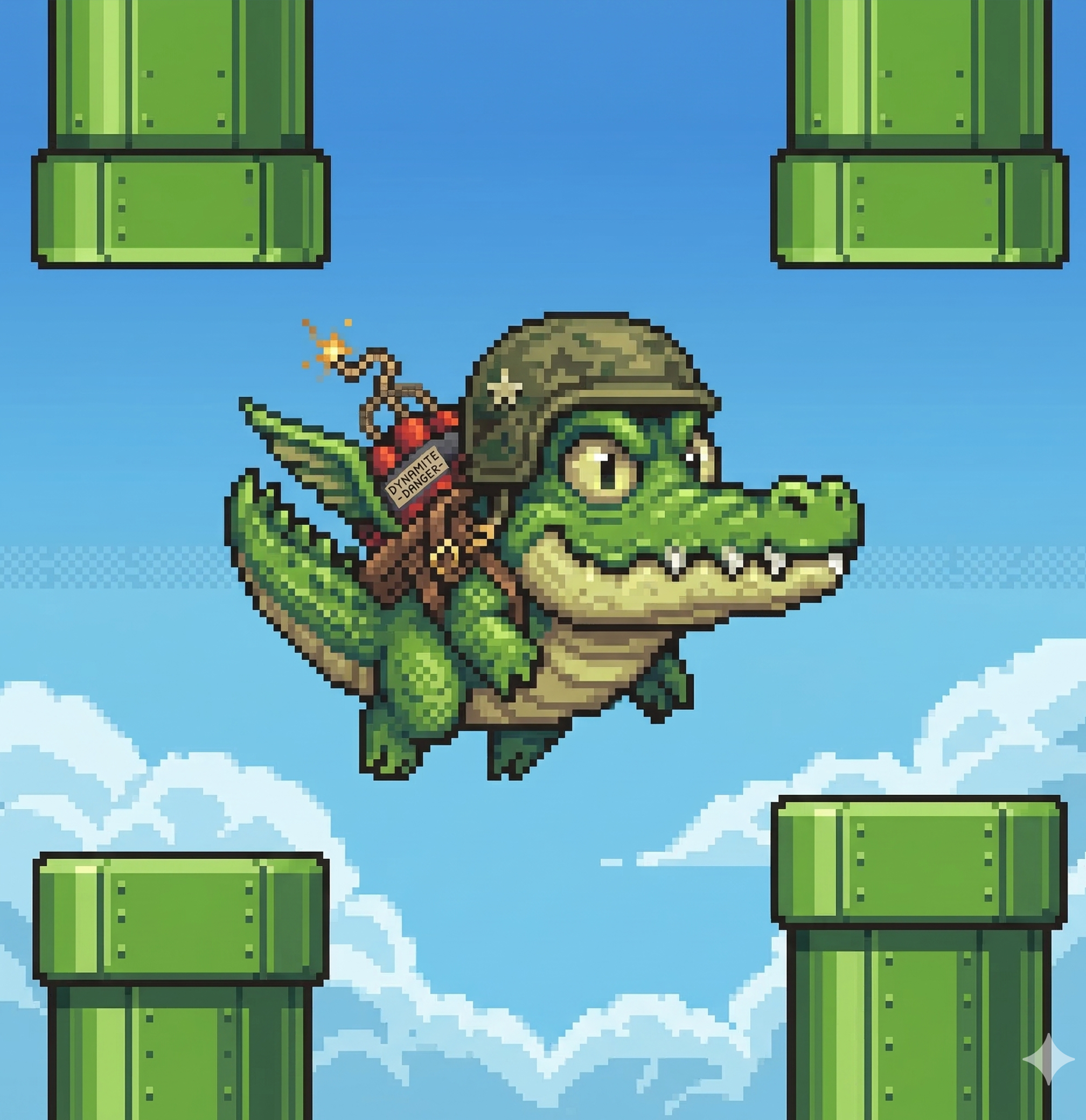
Flappy Skibidi art
Single mode

Flappy Skibidi

Tap rhythm and pipe timing while the upper half keeps pulling your attention away.

Skibidi Surfer art
Single mode

Skibidi Surfer

Runner movement, obstacle reads, and fast lane decisions under steady visual noise.

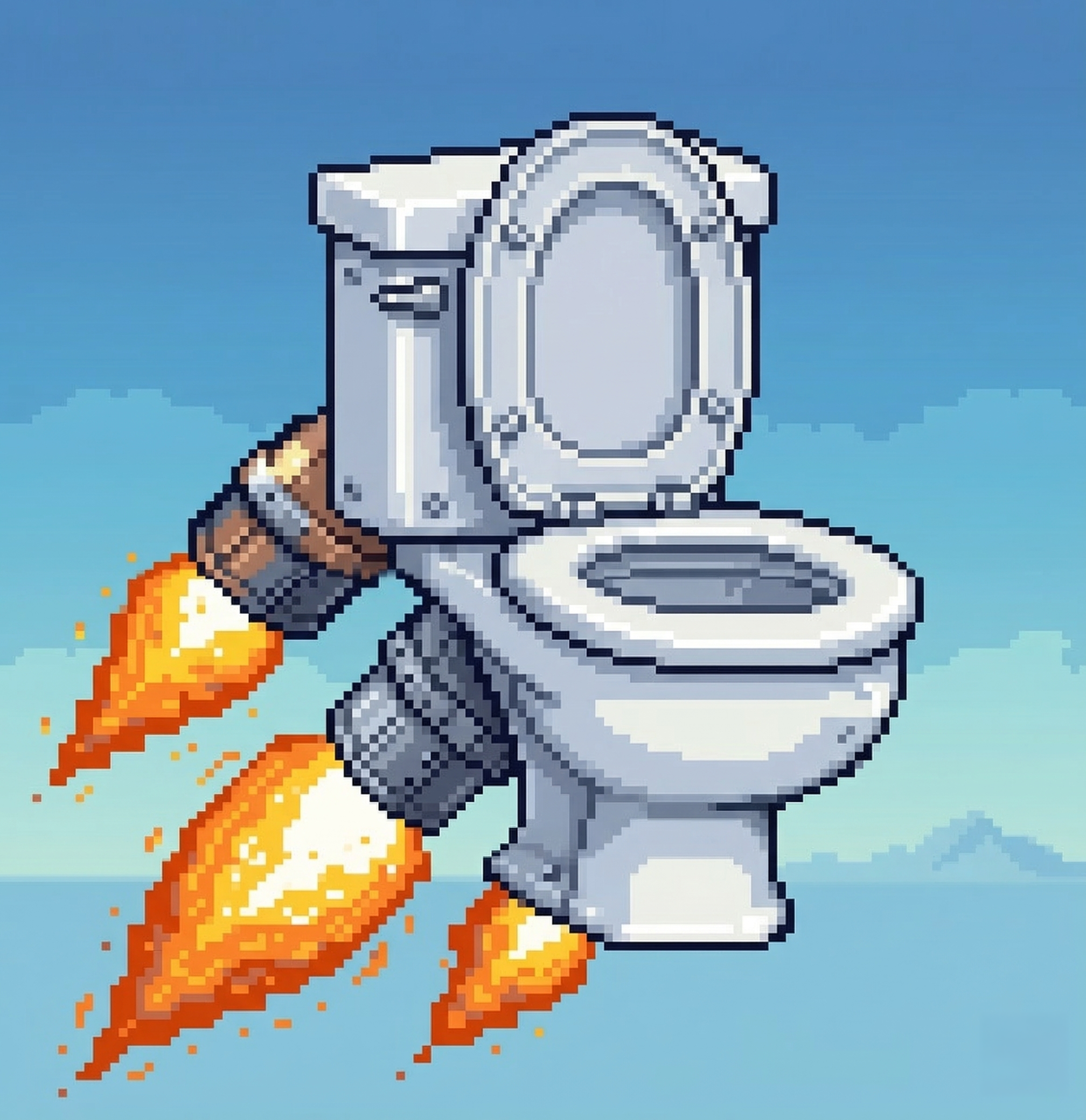
Skibidi Boost art
Single mode

Skibidi Boost

Boost timing and vertical control with very little margin for bad reads.

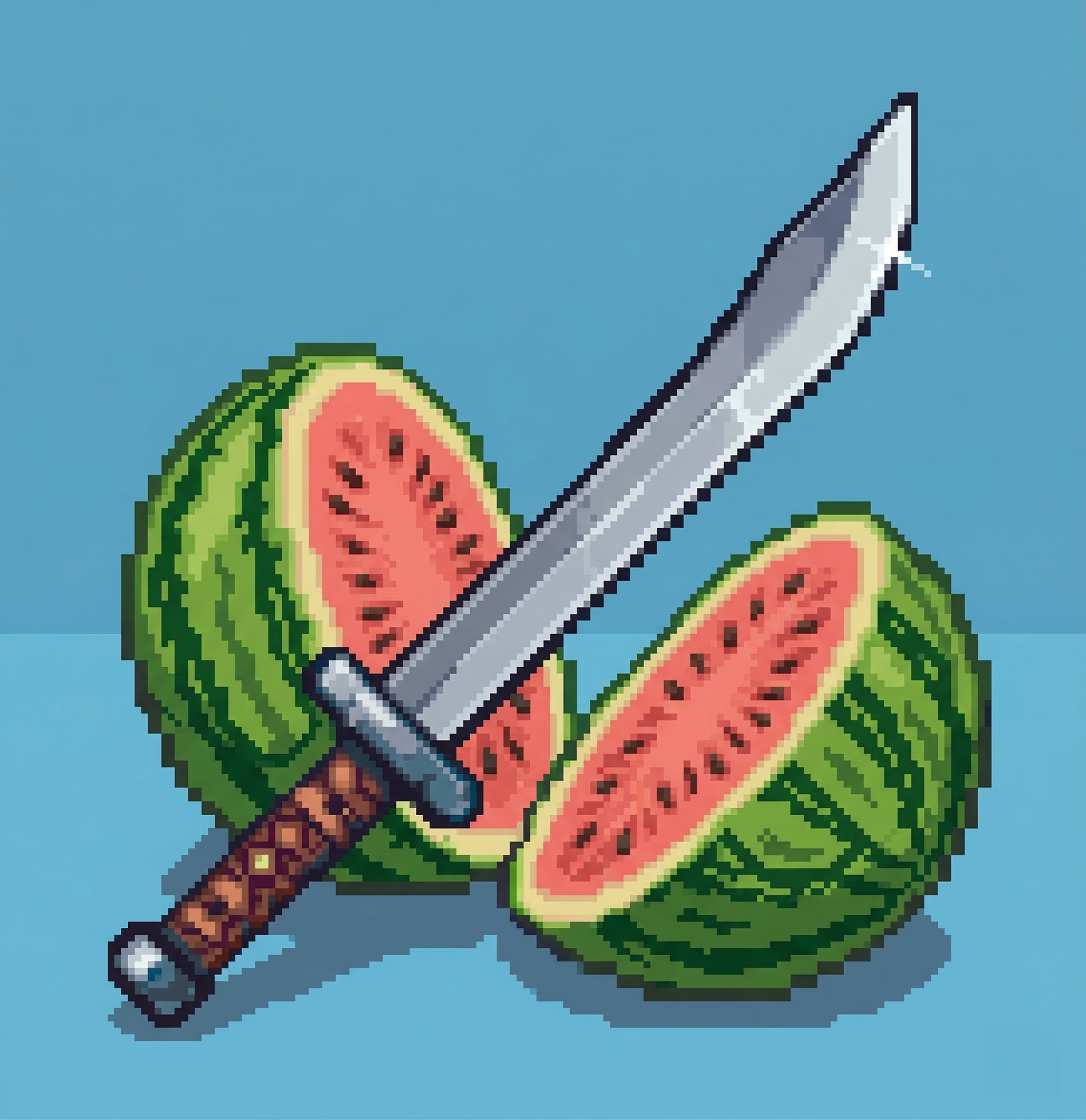
Skibidi Slice art
Single mode

Skibidi Slice

Reaction spikes and fast cut windows whenever the run needs a sharper tempo change.

FAQ

Common questions before you install.

Short answers, support links, and the basics that matter before you download.

What is Brainrot Simulator?

It’s a split-screen mobile game where short-form video stays live while the bottom half of the screen keeps rotating through mini-games, runner sections, and distraction events.

What modes can I play?

The current build includes Classic mode plus Flappy Skibidi, Skibidi Surfer, Skibidi Boost, and Skibidi Slice.

Can I use my own video?

Yes. The app includes a Watch Your Own Video mode so you can start a run with your own mobile video page loaded in the top half of the screen.

Do I need to sync Contacts?

No. Contacts access is optional and only used for the local friends leaderboard feature.

Where do I get help?

Start with the support page. Legal and privacy details live on the privacy policy and terms page.

Download

App Store link coming soon.

The site is live now. The download button flips from pending to live the moment the App Store page is public.

Once the store URL exists, this button becomes the direct install link.

Feed modes Brainrot / Doomscroll / Your own video
Playable modes Classic / Flappy / Surfer / Boost / Slice
Platform iPhone and iPad